Audi Video in Motion Coding – MIB2
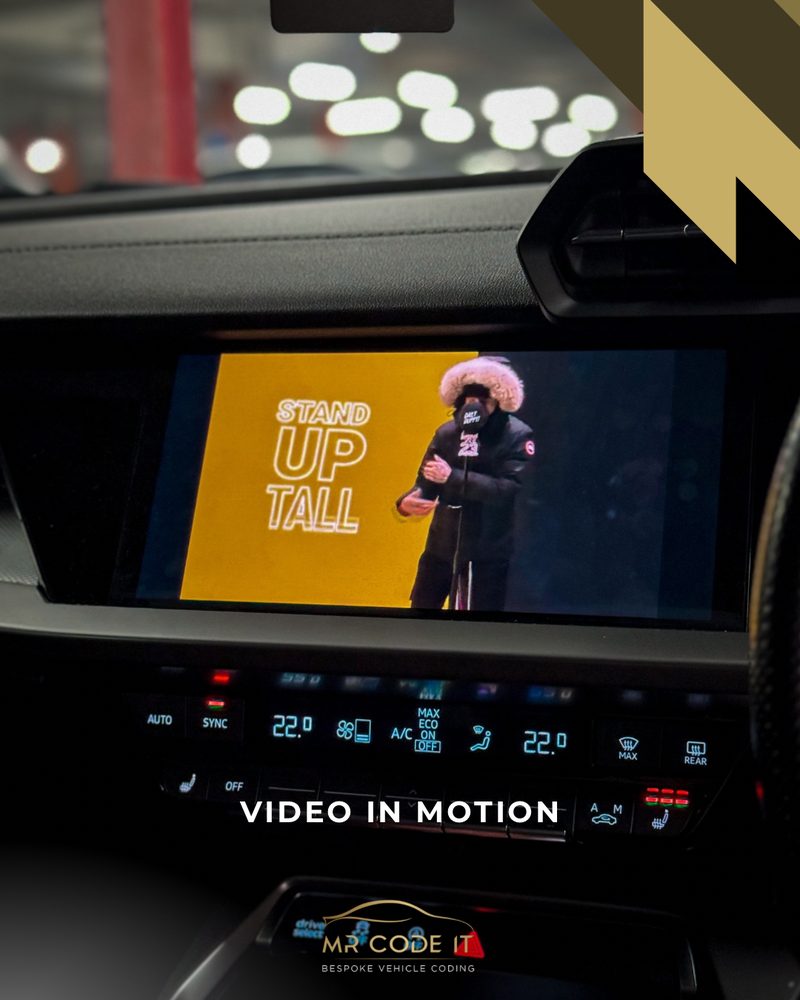
Screen unlocked to allow video playback and navigation input while driving.
By default, Audi's MIB2 Professional Navigation system blocks video playback once the car is moving, showing a legal warning message instead. Our Video in Motion coding removes this restriction for passenger-side viewing, so videos from USB, SD card or DVD keep playing while driving.
Key Benefits
- Removes the legal warning message that blocks video playback while moving
- Watch USB, SD card or DVD video content on the move (passenger use)
- Completely software-based — no emulators or blockers needed
- Safe for your MMI unit
MIB2 Compatibility
This requires an MIB2 High or MIB2.5 High Professional Navigation unit — it does not work on MIB1, MIB2 Standard, or Discover Media/Composition Media units.
This feature is intended for passenger use only while the vehicle is in motion.
Check Your MMI Before Booking
Send us a photo of your MMI Software Version screen via WhatsApp and we'll confirm your unit is compatible before you book.
- Compatibility confirmed against your exact model before any work begins
- Fully coded and tested on-site before you drive away
- Mobile appointment, or visit us in M16 — whichever suits you
- No-obligation quote confirmed with you first, no surprises on the day
Ready to book?
Get a fixed quote for this job, confirmed against your exact Audi model.