Mercedes NTG5.5 Apple CarPlay & Android Auto Activation – C/E/S Class
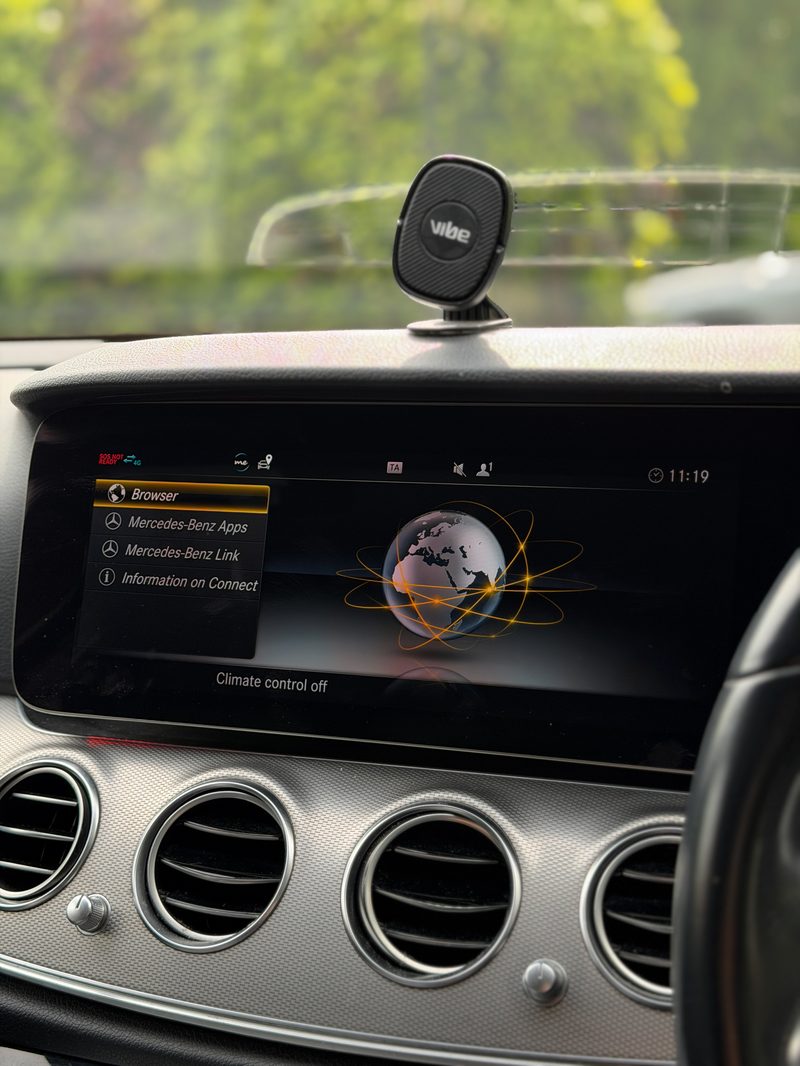
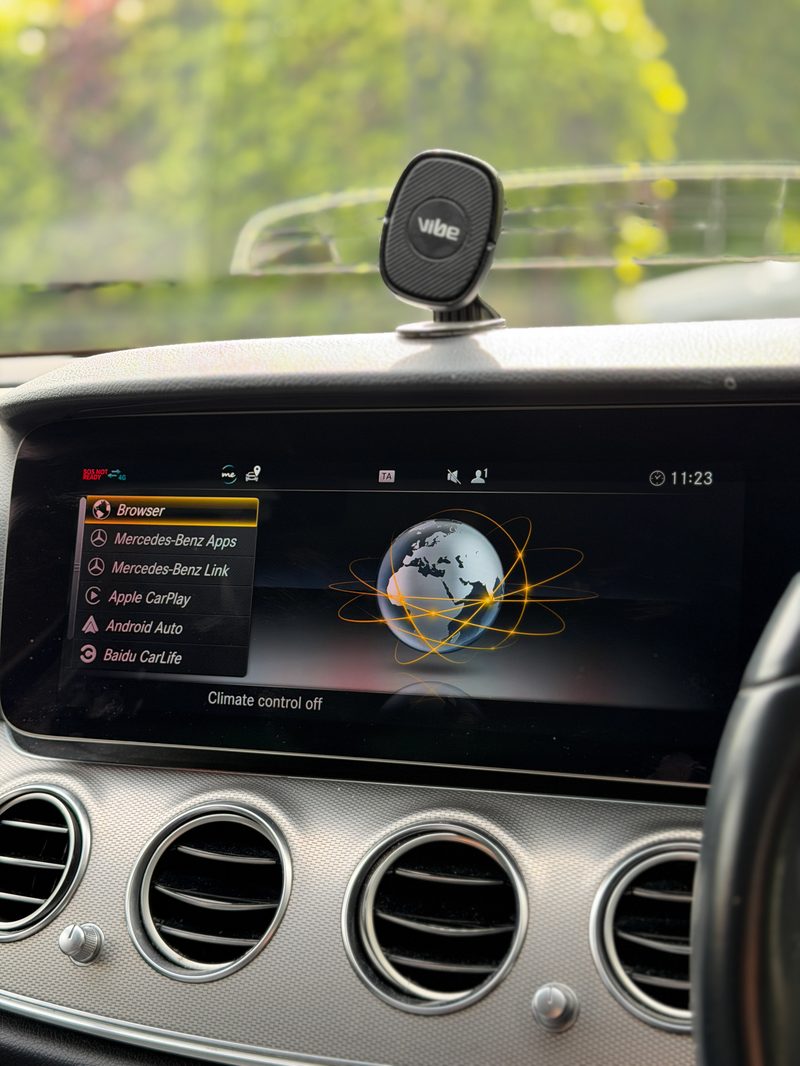
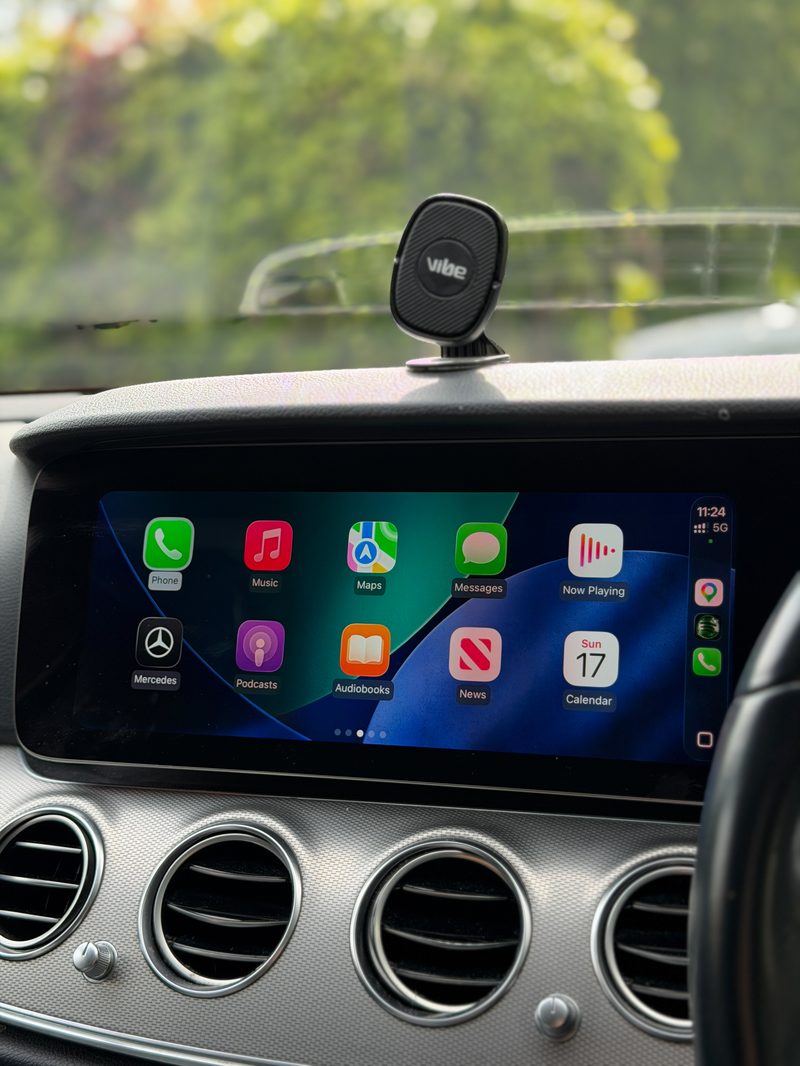
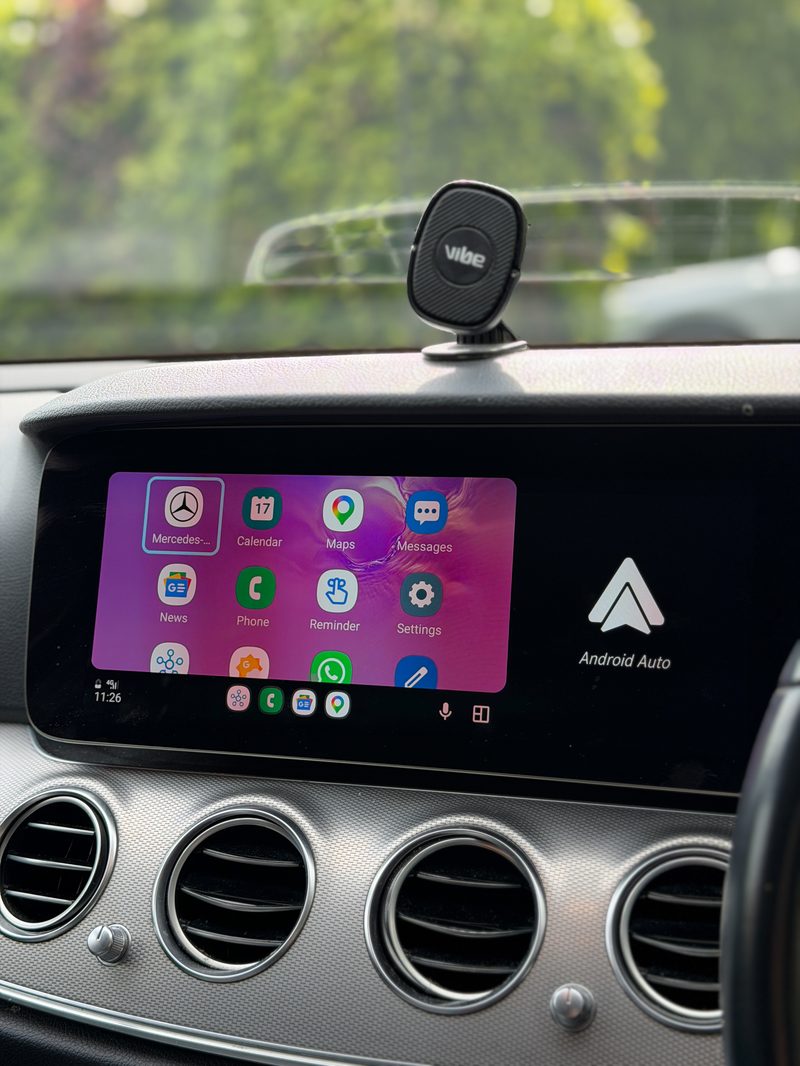
CarPlay and Android Auto activated on NTG5.5 systems.
Unlock Apple CarPlay and Android Auto on your compatible Mercedes-Benz NTG5.5 infotainment system with our professional activation service.
Enjoy seamless iPhone or Android connectivity through your original Mercedes display, including access to Apple Maps, Google Maps, Spotify, Apple Music, WhatsApp, calls, messages and other compatible apps.
Our Mercedes CarPlay activation service lets you upgrade your compatible factory infotainment system without replacing the original head unit.
Key Benefits
- Compatible with selected NTG5.5 systems on C, E and S Class
- Use Apple Maps, Google Maps, Spotify, Apple Music, WhatsApp and more
- Access calls and messages through your Mercedes display
- Keep your original factory infotainment system
- No aftermarket head unit required
- Professional software activation
- Compatibility checked before booking
Mercedes NTG5.5 Compatibility — C, E & S Class
⚠ Important compatibility check. Compatibility depends on your Mercedes model, screen type, USB port type and software version — please send us your VIN before booking so we can confirm your vehicle is compatible.
C-Class
✓ Compatible: Facelift W205, 2018 to end of production — non-touchscreen widescreen system with two USB ports, at least one displaying a phone symbol.
✗ Not compatible: Pre-2017 models, COMAND large-screen systems, and MBUX touchscreen systems.
E-Class
✓ Compatible: W213 Pre-Facelift, 2016–2020 — two USB ports required, with at least one displaying a phone symbol. Non-touchscreen system only, widescreen or digital dash required.
✗ Not compatible: 7-inch screen variants.
S-Class
✓ W222 Facelift: Apple CarPlay is included as standard from the factory.
✗ Not compatible: Pre-Facelift models.
USB Port Requirement
For applicable Mercedes models, your vehicle must have two USB ports, with at least one displaying a phone symbol — this is the port required for Apple CarPlay on compatible systems. If you're unsure which port is which, send us a clear photo of your USB ports and we'll check them for you.
How to Check Your Mercedes Compatibility
Mercedes infotainment systems can vary even between vehicles of the same model and year, so the easiest way for us to confirm compatibility is to check your VIN and infotainment specification. Before booking, please send us:
- Your Mercedes model and vehicle year
- The last 7 characters of your VIN
- A photo of your infotainment screen, if possible
- A clear photo of your USB ports, if applicable
Check Before You Buy
Due to the different screens, USB configurations and software versions used across Mercedes-Benz vehicles, compatibility can't always be determined by model and year alone. Send us your VIN via WhatsApp before booking and we'll confirm whether your Mercedes is suitable.
- Compatibility confirmed against your exact model before any work begins
- Fully coded and tested on-site before you drive away
- Mobile appointment, or visit us in M16 — whichever suits you
- No-obligation quote confirmed with you first, no surprises on the day
Ready to book?
Get a fixed quote for this job, confirmed against your exact Mercedes-Benz model.