SEAT Full Link Activation – Apple CarPlay / Android Auto
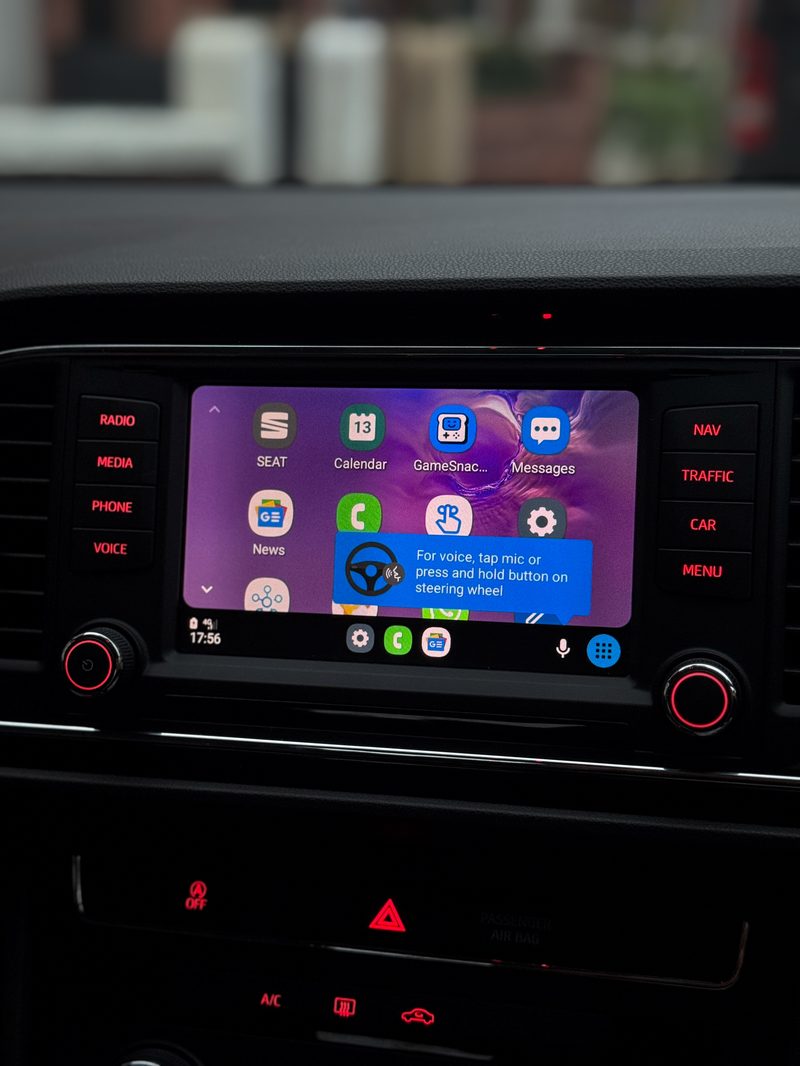
Factory Full Link activated for wired Apple CarPlay and Android Auto.
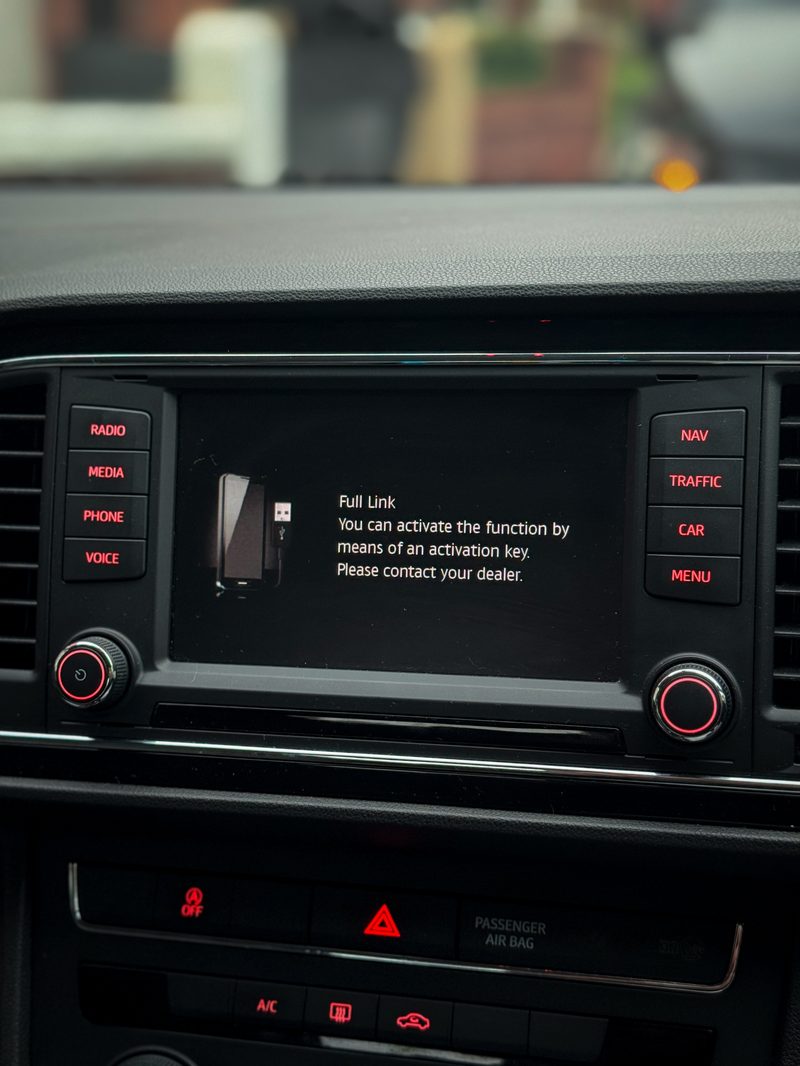
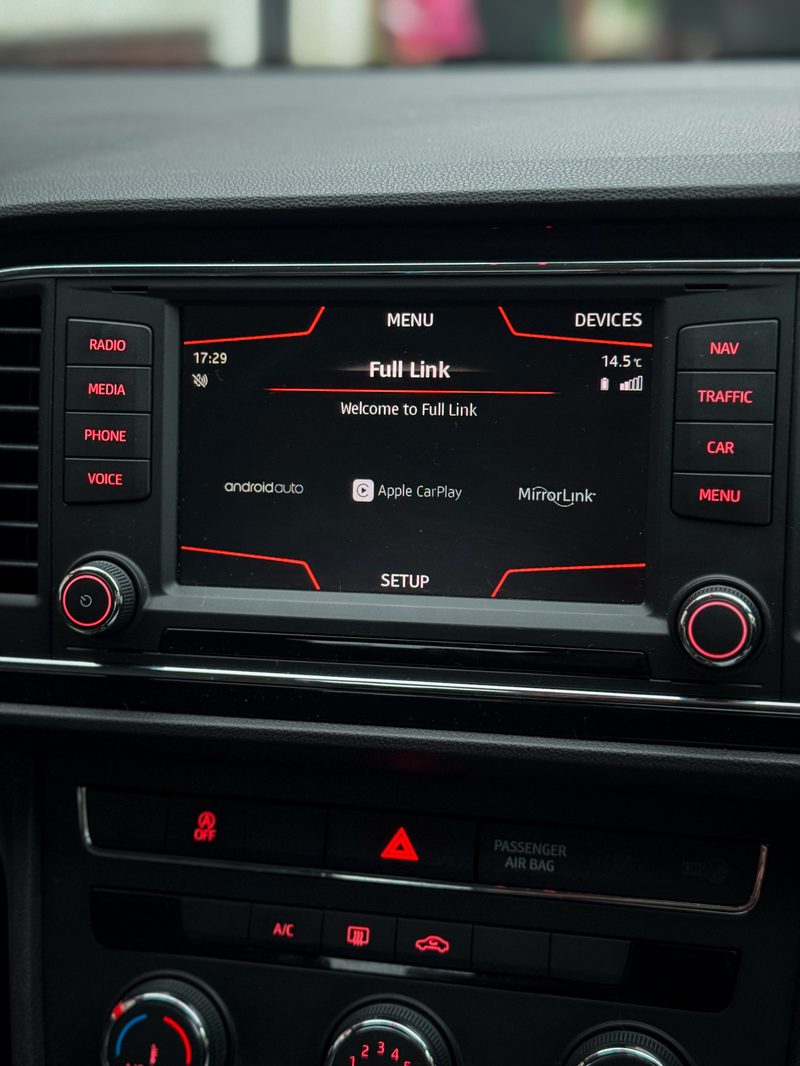
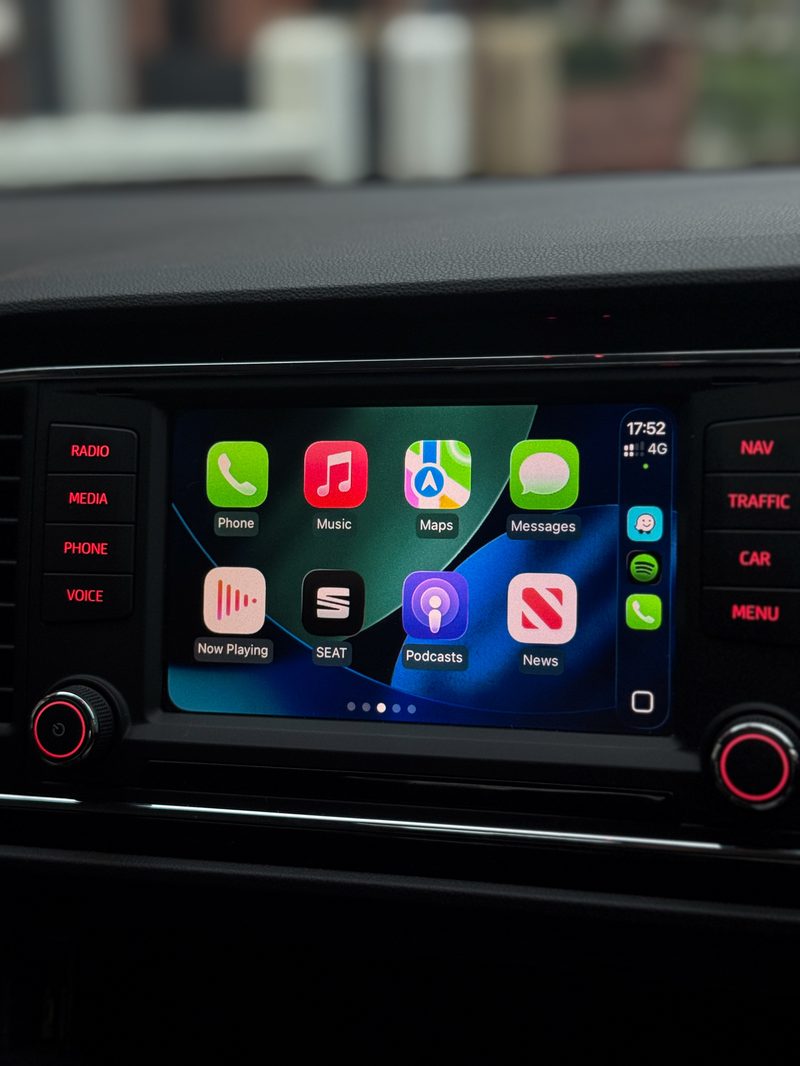
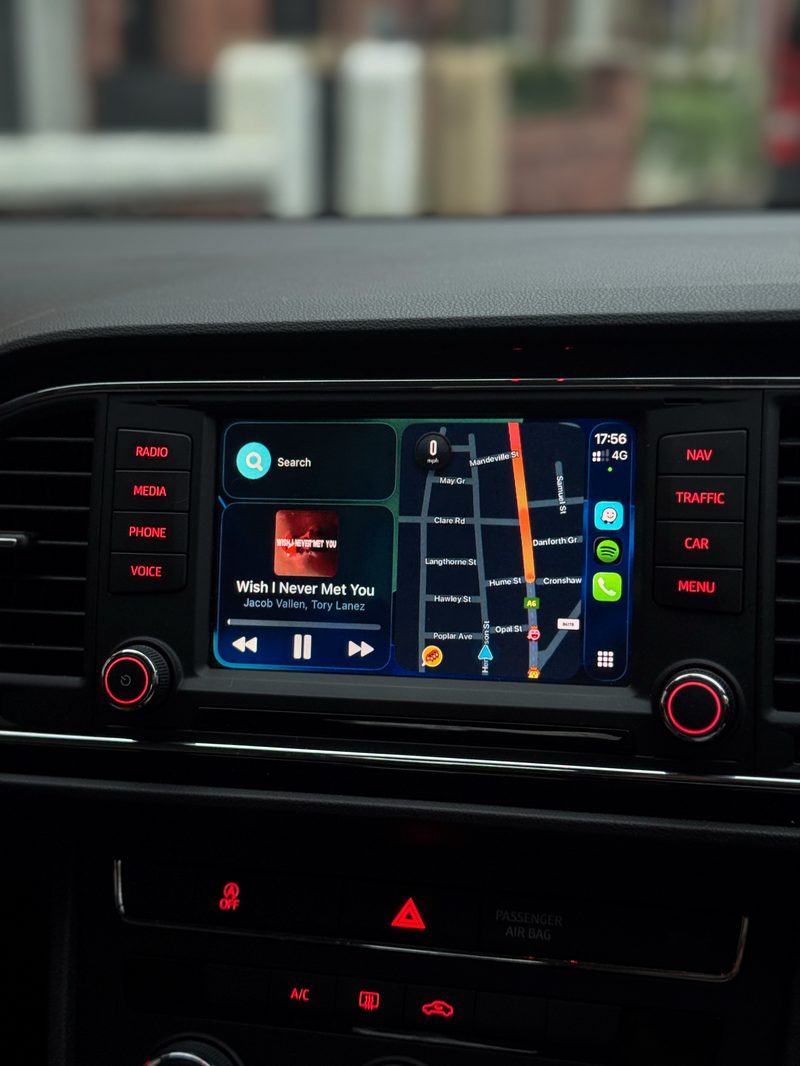
Get SEAT Full Link activated on your compatible MIB2 infotainment system and unlock wired Apple CarPlay and Android Auto using your vehicle's original factory display.
Our SEAT Full Link activation service is available for compatible SEAT vehicles across Manchester. No replacement head unit is required — we activate the existing Full Link functionality on supported MIB2 systems.
Connect your smartphone and access compatible navigation, music, calls, messages and apps directly through your SEAT infotainment system.
Key Benefits
- Enable wired Apple CarPlay
- Enable wired Android Auto
- Works with compatible SEAT MIB2 infotainment systems
- Keep your original factory head unit
- No aftermarket infotainment system required
- Compatibility checked before activation
Compatible SEAT Models
SEAT Full Link is commonly available on vehicles fitted with compatible MIB2 infotainment systems, including:
- SEAT Leon – 2015–2020
- SEAT Ateca – 2016–2021
- SEAT Arona – 2017–2021
- SEAT Ibiza – 2015–2021
- SEAT Toledo – 2015–2019
- SEAT Alhambra – 2015–2020
Compatibility depends on the exact infotainment unit and software installed in your vehicle.
How to Check SEAT Full Link Compatibility
Step 1 – Check Your Software Version. On your SEAT infotainment system: hold MENU for 3 seconds → Software Update/Versions → Installed SW Train Version.
Step 2 – Check Your SD Card Slots. Two slots labelled SD1 + SD2 means a compatible head unit; one SD card slot means it's not compatible. Your USB connection must also support Apple CarPlay — if your vehicle has dual USB ports, the additional USB compatibility check may not be required.
What Is Not Supported?
- 5F0 035 846 – earlier MIB1 infotainment unit
- Other MIB1 systems
- Navi System Plus / MIB High
- Infotainment systems with only one SD card slot
- MIB3 infotainment systems
- Units without a compatible MST2 software version
The infotainment part number is also useful when checking compatibility — 5QA 035 846 is associated with MIB2, while 5F0 035 846 is an earlier MIB1 unit and is not supported.
Not Sure If Your SEAT Is Compatible?
Don't risk booking the wrong activation. Send us a photo of your Software Version screen via WhatsApp, along with your SEAT model and year, and we'll check your system before you book.
- Compatibility confirmed against your exact model before any work begins
- Fully coded and tested on-site before you drive away
- Mobile appointment, or visit us in M16 — whichever suits you
- No-obligation quote confirmed with you first, no surprises on the day
Ready to book?
Get a fixed quote for this job, confirmed against your exact SEAT model.