Audi Smartphone Interface Activation – Apple CarPlay / Android Auto
Smartphone Interface coded on to enable Apple CarPlay and Android Auto.
Most Audi models built from 2015 onward with an MIB2 infotainment system already have the hardware needed for Apple CarPlay and Android Auto — it's simply switched off in software. Our activation unlocks it through your existing MMI screen, no head unit replacement required.
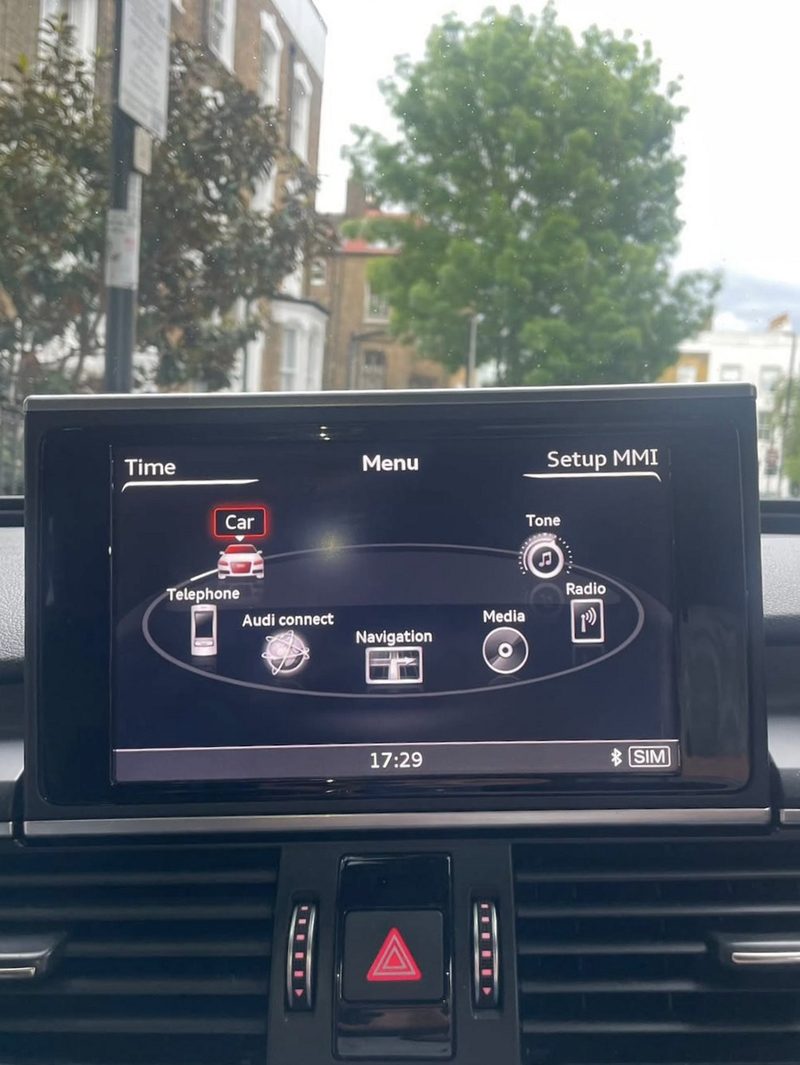
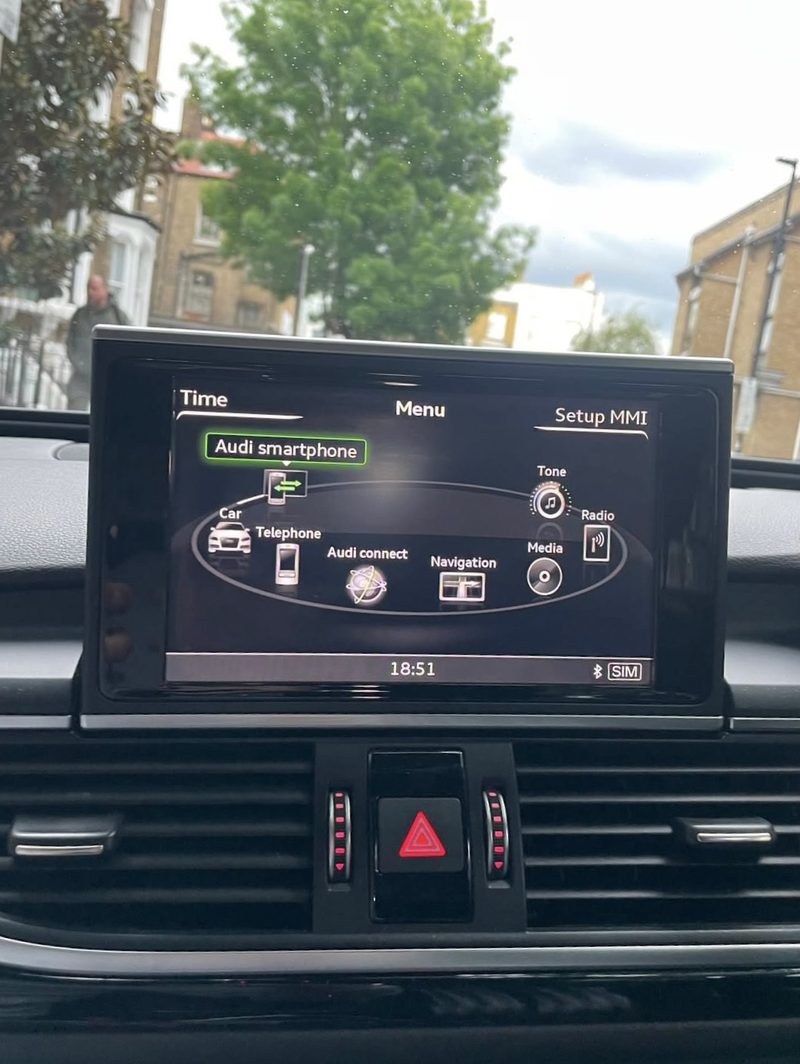
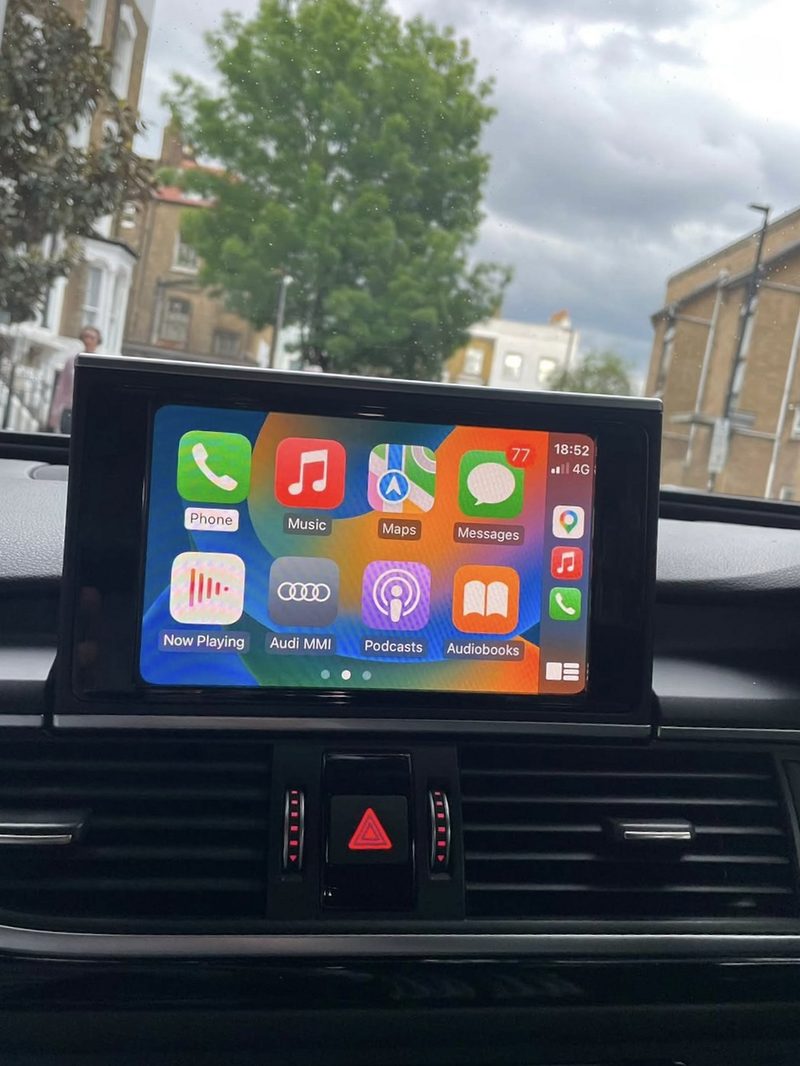
Key Benefits
- Genuine software activation — no aftermarket hardware
- Wired Apple CarPlay and Android Auto through your factory MMI
- Permanent activation, tied to your vehicle
- Can be paired with a separate USB wireless adapter afterward if you want wireless connectivity
MIB2 Compatibility
This applies to Audi models with an MIB2 High or MIB2 Scale infotainment system, typically found on 2015+ A3, A4 B9, A5 F5, A6 C7 (facelift), A7 4G (facelift), Q5 FY and Q7 4M.
Requirements
Your vehicle needs two USB ports (the "charge + data" type) for Apple CarPlay and Android Auto to work — one port is used for the phone connection. Some units also need a firmware update to a supported version before the activation can be applied.
How to Check Your Software Version
Settings → System Update → Version Information, or via the Red Engineering Menu on supported units. We can confirm compatibility from a photo of this screen.
Check Your Audi Before Booking
Send us a photo of your MMI Version Information screen via WhatsApp, along with your model and year, and we'll confirm compatibility before you book.
- Compatibility confirmed against your exact model before any work begins
- Fully coded and tested on-site before you drive away
- Mobile appointment, or visit us in M16 — whichever suits you
- No-obligation quote confirmed with you first, no surprises on the day
Ready to book?
Get a fixed quote for this job, confirmed against your exact Audi model.