BMW OEM Apple CarPlay Activation
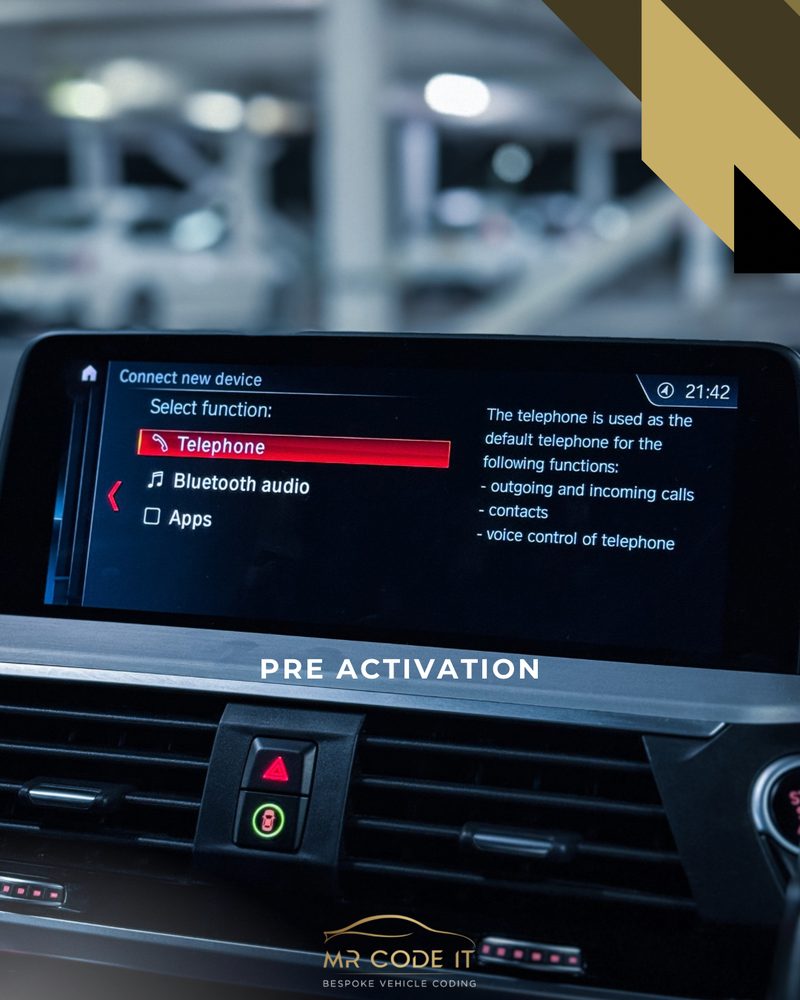
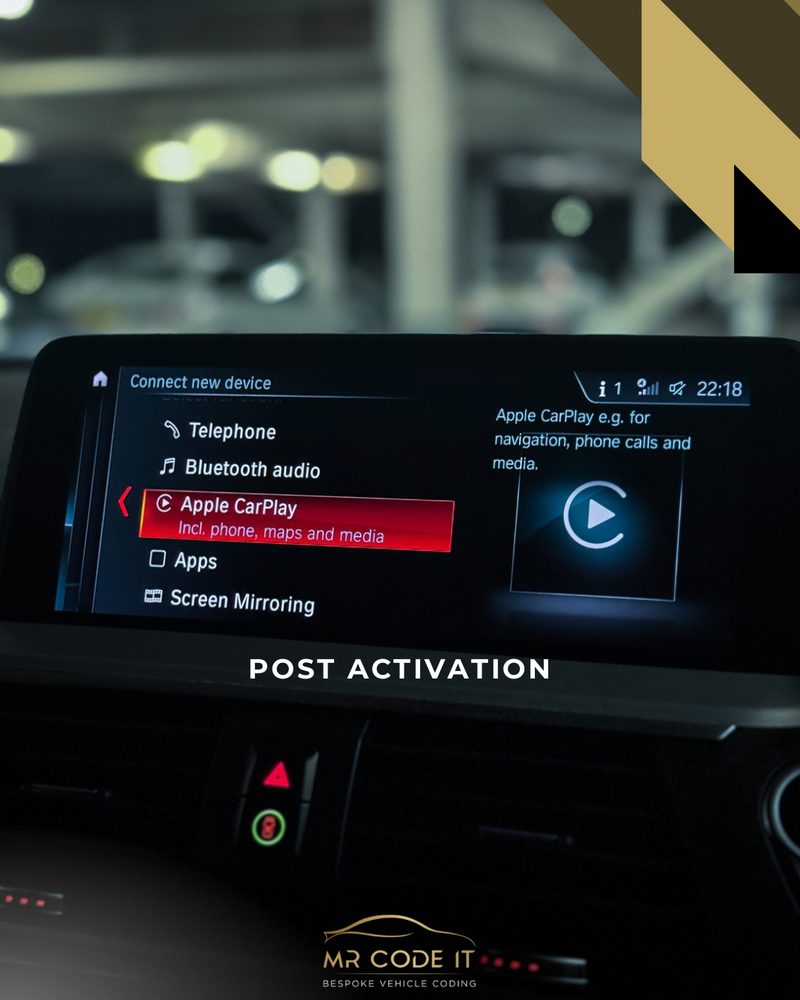
Factory Apple CarPlay switched on through your existing iDrive screen — no extra hardware.
Upgrade your BMW with our professional BMW Apple CarPlay activation service. Enable Apple CarPlay on compatible BMW vehicles and enjoy seamless iPhone connectivity through your original BMW infotainment system.
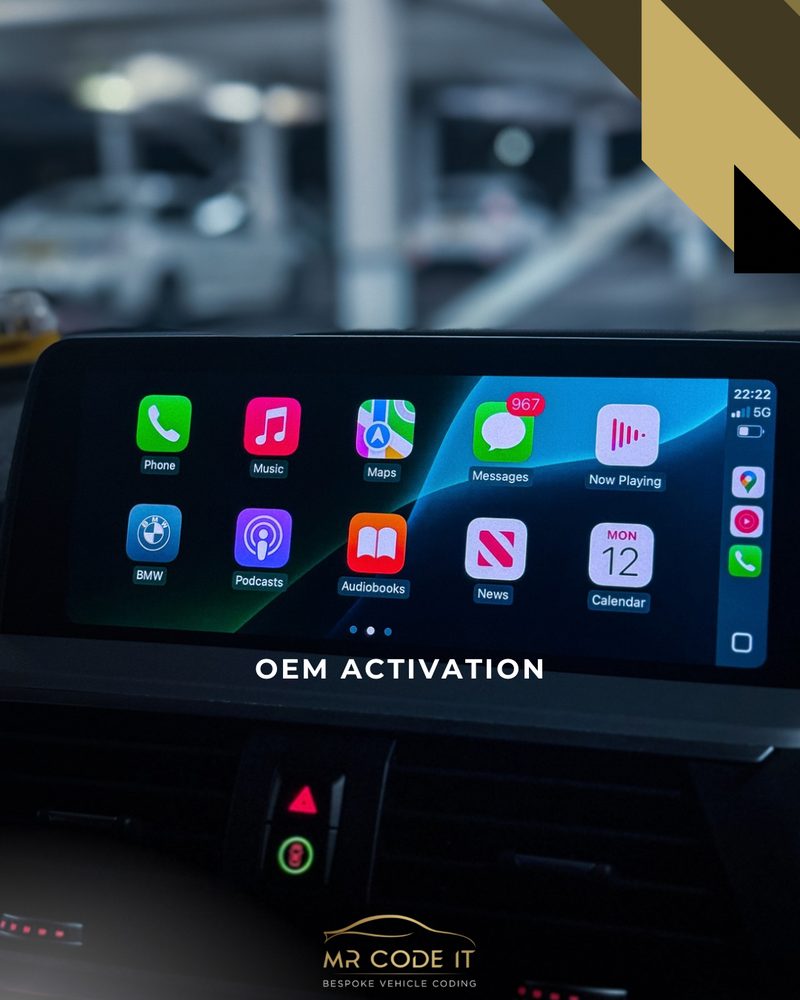
Access Apple Maps, Google Maps, Spotify, Apple Music, calls, messages and other compatible apps directly through your BMW display. Our BMW CarPlay activation service is a convenient way to enhance your driving experience without replacing your factory infotainment system.
Key Benefits
- Apple CarPlay activation for compatible BMW models
- Access Apple Maps, Google Maps, Spotify, Apple Music and more
- Make calls and access messages through your BMW display
- Retain your original BMW infotainment system
- Wireless Apple CarPlay on compatible vehicles
- Professional and convenient activation
BMW Apple CarPlay Compatibility
BMW Apple CarPlay activation requires a compatible NBT Evo head unit with ID5 or ID6 software. Some BMWs from 2014–2016 may have an older NBT or ID4 system and may not be compatible.
How to Check Your BMW Software Version
You can check your BMW's software version by following these steps:
If your firmware starts with N, O, P, Q, R, S, U, V, W, X or a later letter — for example, NBTevo_N — your BMW is likely compatible with Apple CarPlay activation.
Wi-Fi Antenna Requirement
For wireless Apple CarPlay to function correctly, your BMW must have a Wi-Fi antenna. If your vehicle is equipped with either Wireless Charging or a Wi-Fi Hotspot, a Wi-Fi antenna should already be installed, meaning no additional antenna is required.
If your BMW has neither of these options, a Wi-Fi antenna will need to be fitted before wireless Apple CarPlay can function correctly. Please ensure your vehicle's specification is checked before booking — if you're unsure about compatibility or whether your BMW requires a Wi-Fi antenna, contact us and we'll be happy to help.
Check Your BMW Before Booking
Not sure whether your BMW is compatible? Simply provide us with the last 7 characters of your VIN, along with your BMW model and year, and we can help confirm compatibility before you book.
- Compatibility confirmed against your exact model before any work begins
- Fully coded and tested on-site before you drive away
- Mobile appointment, or visit us in M16 — whichever suits you
- No-obligation quote confirmed with you first, no surprises on the day
Ready to book?
Get a fixed quote for this job, confirmed against your exact BMW model.